
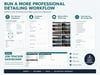
Auto Detailing Inspection Form & Job Tracker | PDF, Word, Excel
Auto Detailing Inspection Form & Job Tracker – Fillable PDF, Word & Excel
Organize vehicle inspections, document existing damage, manage detailing jobs, and deliver a more professional customer experience.
Take control of your detailing business workflow with this Auto Detailing Inspection Form & Job Tracker Bundle.
Designed for professional auto detailers, mobile detailing businesses, ceramic coating specialists, and paint correction shops, this digital system helps you document vehicle condition before service, record customer requests, complete quality control checks, and track jobs and follow-ups.
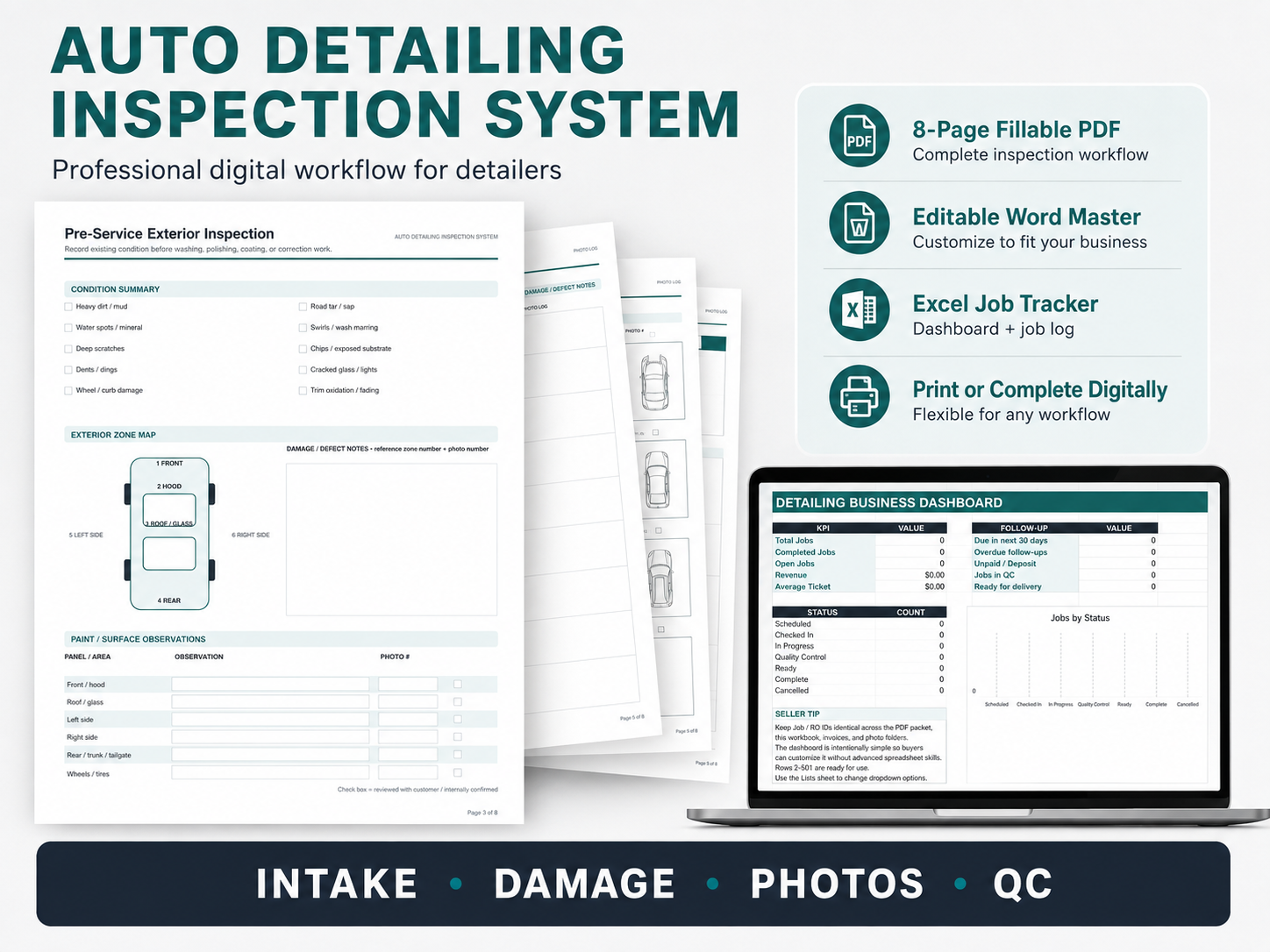
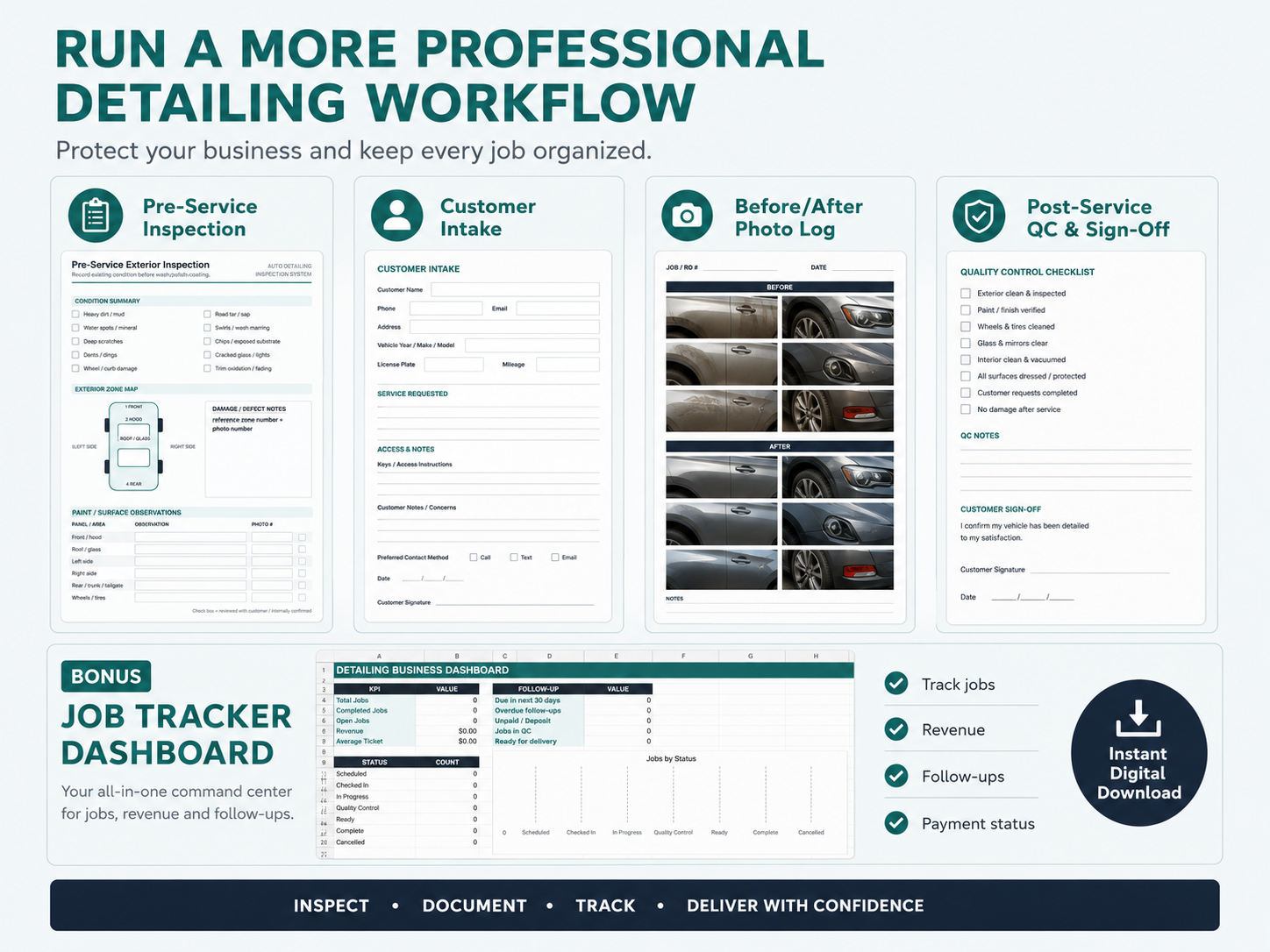
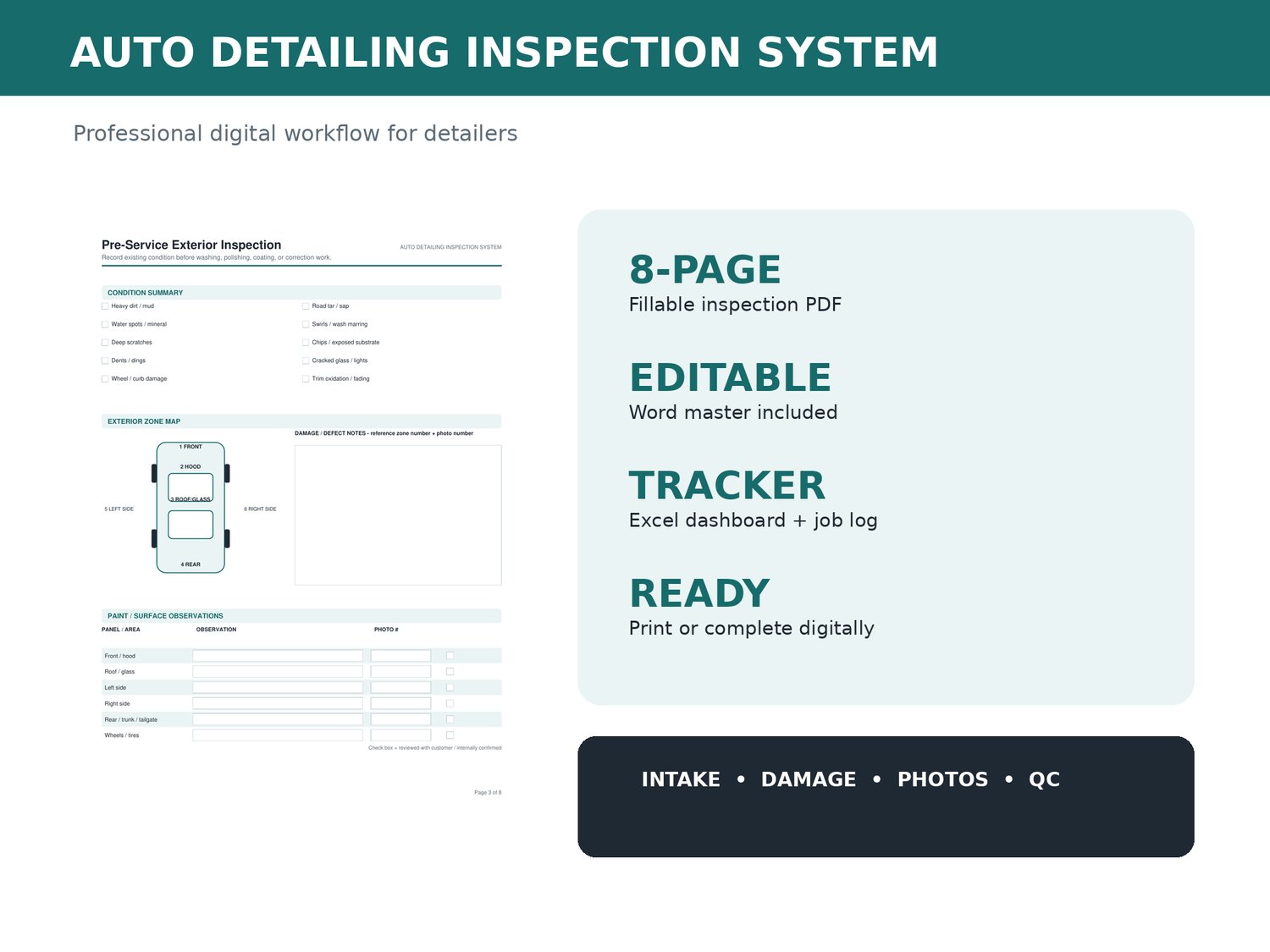
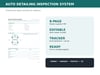
Unlike a basic car detailing checklist, this bundle includes an 8-page fillable PDF inspection form, an editable Word template, and an Excel detailing job tracker with a dashboard.
Everything is designed to support a consistent process from customer intake through vehicle delivery.
Why Choose This Auto Detailing Inspection System?
A professional detailing job involves more than cleaning or polishing a vehicle.
You need to record existing damage, understand customer expectations, document the services requested, inspect the finished work, and manage follow-ups.
This system helps you:
- Document pre-existing vehicle damage — Record scratches, dents, chips, stains, wheel damage, and other visible concerns before work begins.
- Organize customer and vehicle information — Keep contact details, vehicle specifications, and service instructions together.
- Track before-and-after photos — Reference vehicle condition photographs using a structured photo log.
- Confirm detailing services — Record selected packages, add-ons, estimated totals, and special instructions.
- Standardize quality control — Use interior and exterior QC checklists before returning the vehicle.
- Manage detailing jobs in Excel — Track job status, payment status, service packages, and customer follow-ups.
- Customize your business forms — Edit the Word template to include your branding, service options, and preferred terminology.
Keep important detailing records organized without creating new forms from scratch for every customer.
1. Fillable Auto Detailing Inspection Form – 8-Page PDF
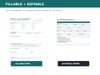
The included fillable PDF provides a structured vehicle inspection and job documentation workflow.
Customer & Vehicle Intake Form
Capture important information before starting a detailing service:
- Customer name and contact details
- Vehicle year, make, model, and color
- VIN or internal vehicle ID
- License plate and odometer reading
- Pickup and return information
- Access and key instructions
- Customer concerns and priorities
- Fragile items and special considerations
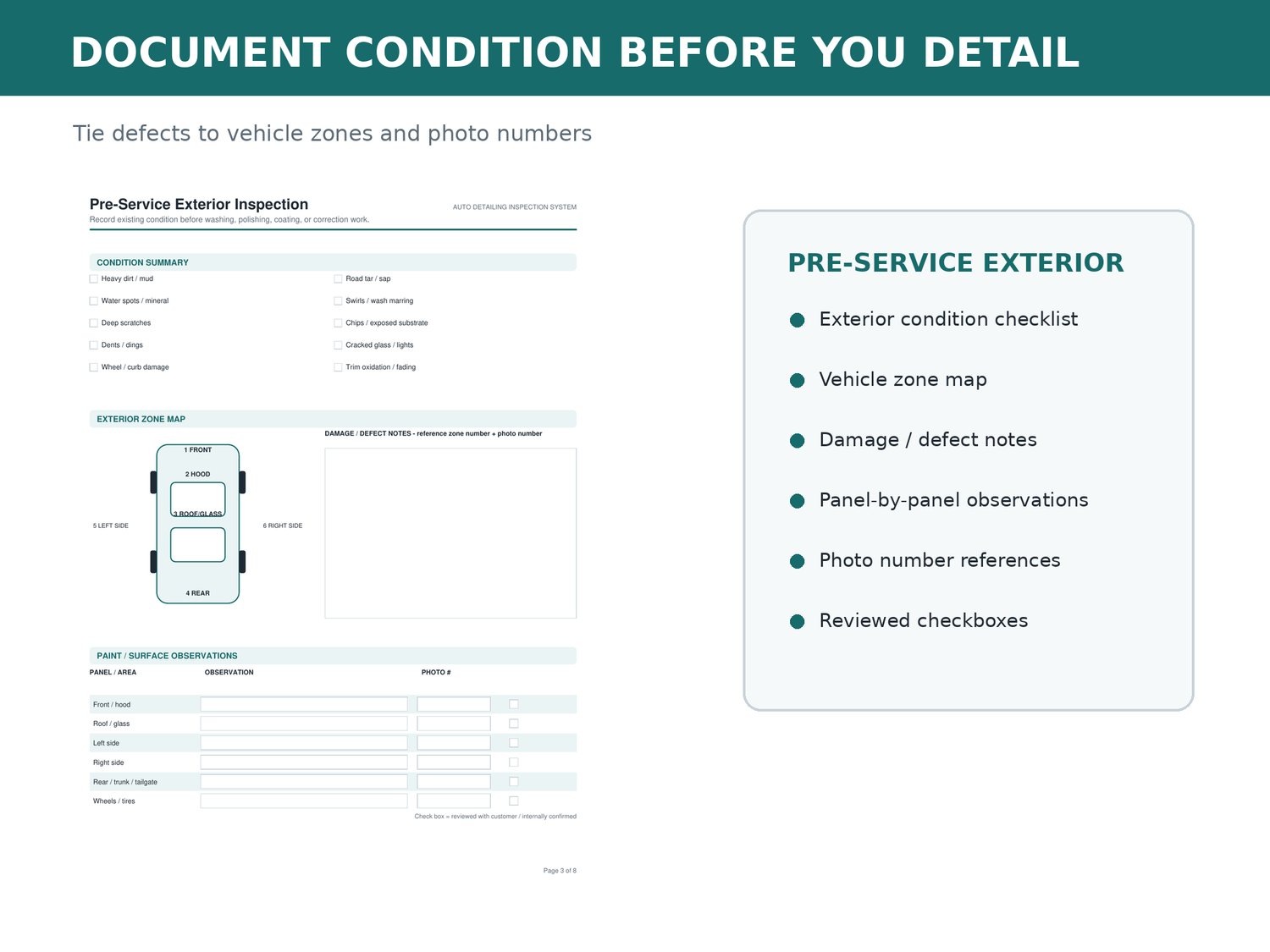
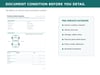
Pre-Service Exterior Vehicle Inspection
Document existing exterior condition before washing, paint correction, or ceramic coating.
The inspection checklist covers:
- Scratches and swirl marks
- Paint chips and exposed surfaces
- Dents and dings
- Water spots and mineral deposits
- Glass or light damage
- Wheel and curb damage
- Trim fading and oxidation
- Heavy dirt, road tar, and sap
A six-zone vehicle diagram helps you identify and record inspection locations.
Reference supporting photographs alongside written condition notes.
Pre-Service Interior Inspection
Record vehicle interior conditions, including:
- Seats and upholstery
- Carpets and floor mats
- Dashboard and screens
- Headliner and pillars
- Door panels and trim
- Cargo and trunk areas
- Odors, stains, and pet hair
- Fragile or sensitive items
Maintain a more consistent record of visible condition before interior detailing begins.
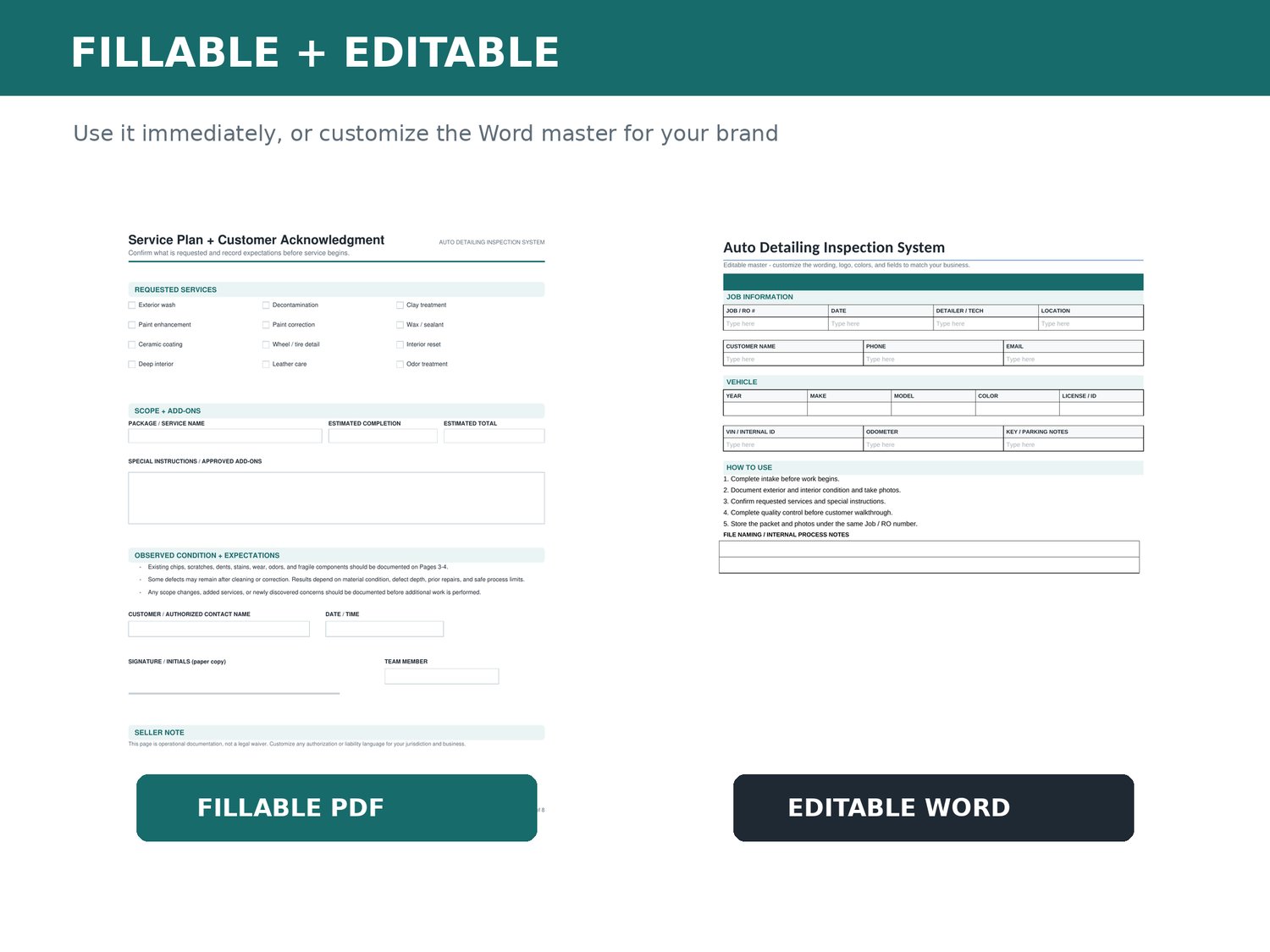
Service Plan & Customer Acknowledgment
Record requested services such as:
- Exterior washing
- Interior detailing
- Paint enhancement and correction
- Ceramic coating
- Waxing and sealant application
- Leather care
- Odor treatment
- Wheel and tire detailing
Document estimated completion times, approved add-ons, pricing information, and special instructions.
The acknowledgment area is intended for operational documentation and is not a jurisdiction-specific liability waiver.
Before-and-After Photo Log
Create a consistent vehicle photo documentation process.
The included photo checklist covers recommended exterior and interior angles.
Record photo numbers, before-and-after status, locations, observations, and storage references.
Post-Service Quality Control Checklist
Inspect completed work before customer pickup.
The QC checklist includes:
- Exterior paint and panels
- Glass and mirrors
- Wheels and tires
- Door jambs and trim
- Interior surfaces
- Seats and carpets
- Cupholders and storage areas
- Remaining residue or missed areas
- Items requiring additional attention
Use the final-ready checklist to confirm that keys and customer belongings have been accounted for.
Customer Walkthrough & Follow-Up
Complete the detailing workflow with:
- Customer walkthrough documentation
- Remaining-condition notes
- Care and maintenance recommendations
- Next-service suggestions
- Recommended follow-up dates
- Final total and payment reference
- Customer and team-member acknowledgment
2. Editable Auto Detailing Inspection Template – Microsoft Word
Customize the inspection system for your own detailing business.
The editable Word document allows you to:
- Add your company name and logo
- Adjust headings and colors
- Customize inspection fields
- Edit detailing service options
- Adapt wording to your business workflow
- Create a reusable branded master template
Ideal for detailers who want business forms that match their existing procedures.
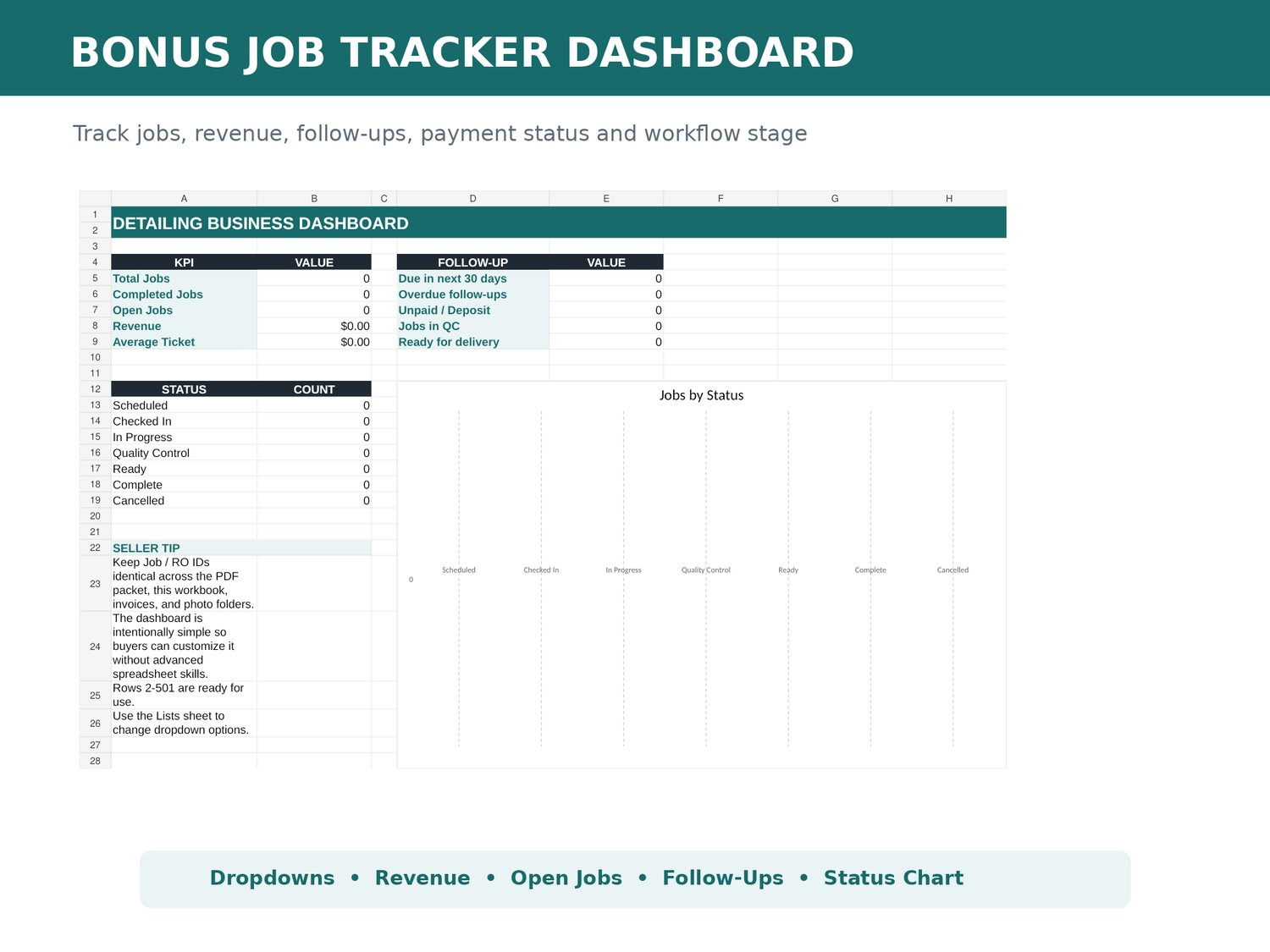
3. Auto Detailing Job Tracker – Excel Spreadsheet
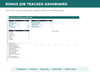
The included Excel workbook helps you manage customer detailing jobs and track key business information.
Job Log
Record:
- Job or repair order number
- Customer and vehicle information
- Service package
- Priority
- Job status
- Estimated and final totals
- Payment status
- Assigned technician
- Interior and exterior concerns
- Follow-up information
Detailing Business Dashboard
View automatically calculated summaries, including:
- Total jobs
- Completed jobs
- Open jobs
- Revenue
- Upcoming follow-ups
- Overdue follow-ups
- Unpaid or deposit-status jobs
- Jobs in quality control
Customizable Dropdown Lists
Customize job statuses, payment statuses, service packages, and priority categories.
Service options include interior detailing, exterior detailing, full detailing, paint enhancement, paint correction, and ceramic coating.
Important: The Excel tracker uses information entered into the workbook. It does not automatically import data from the inspection PDF.
4. Quick-Start Buyer Guide
A two-page guide explains how to:
- Capture customer and vehicle information.
- Document exterior and interior conditions.
- Confirm the service plan and approved work.
- Perform quality control.
- Complete the customer walkthrough.
- Track jobs and follow-up dates in Excel.
It also includes setup tips, software guidance, and licensing information.
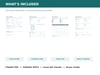
What's Included in Your Digital Download?
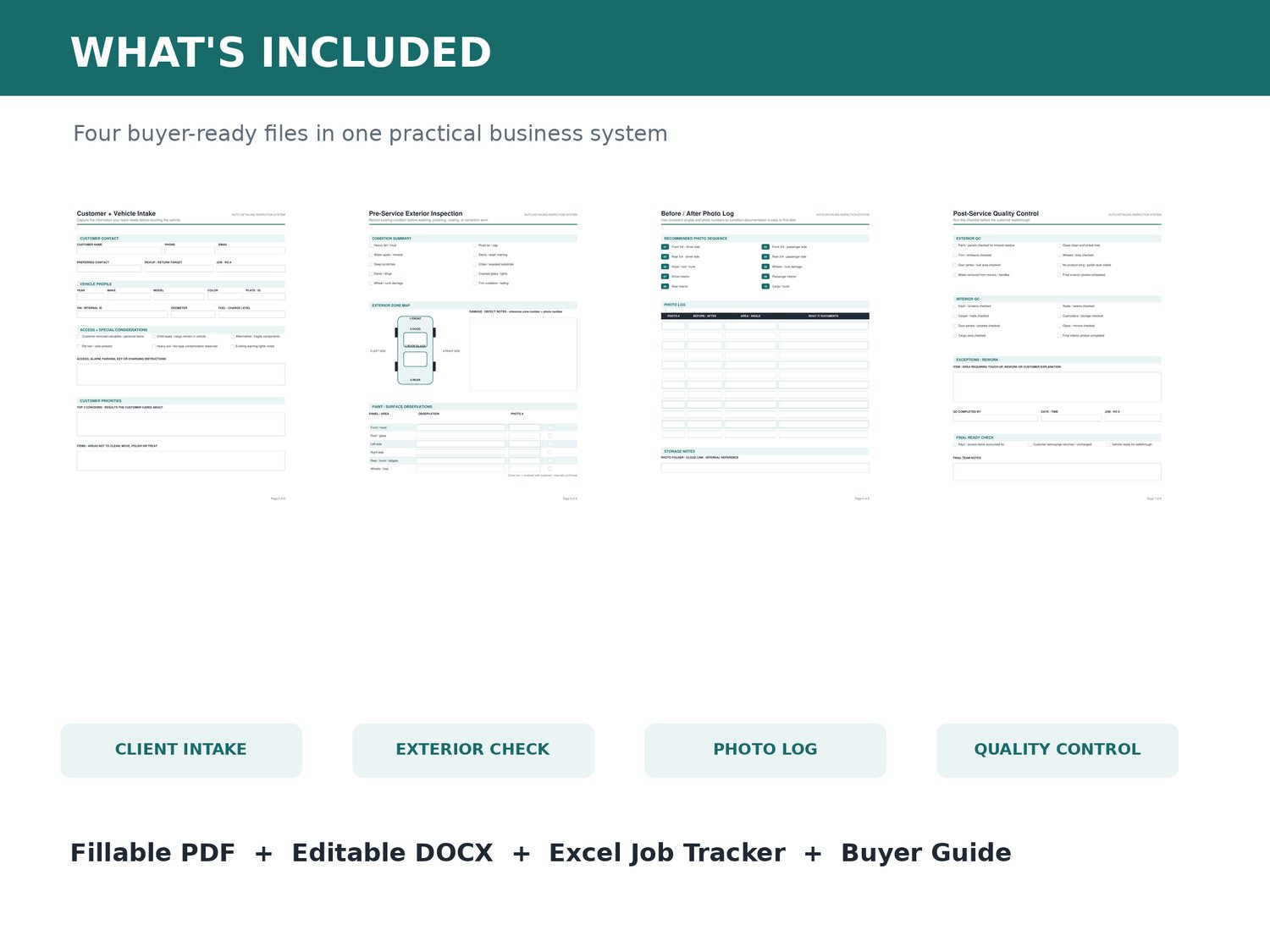
You receive four files:
1. Fillable Auto Detailing Inspection PDF
8-page interactive PDF for customer intake, vehicle condition documentation, service planning, photo logging, quality control, and customer handoff.
2. Editable Microsoft Word Template
8-page customizable inspection and documentation master.
3. Excel Auto Detailing Job Tracker
Four worksheets: Instructions, Job Log, Dashboard, and Lists.
4. Start Here Buyer Guide
Two-page setup guide covering the recommended workflow and usage terms.
Who Is This Auto Detailing Template For?
- Professional auto detailers
- Mobile detailing businesses
- Car detailing shops
- Ceramic coating installers
- Paint correction specialists
- Interior detailing services
- Small auto detailing businesses
- Detailing business owners
- Vehicle reconditioning teams
Whether you operate independently or manage a small team, this system provides a reusable approach to documenting detailing work.
How to Use the System
Step 1 — Start a new inspection.
Open a fresh PDF copy and record customer and vehicle information.
Step 2 — Inspect the vehicle.
Document existing exterior and interior conditions and reference supporting photographs.
Step 3 — Confirm the service scope.
Record the selected detailing package, add-ons, special instructions, and customer expectations.
Step 4 — Complete quality control.
Use the post-service inspection checklist before the customer walkthrough.
Step 5 — Close the job.
Document the vehicle handoff and any recommended follow-up services.
Step 6 — Update Excel.
Enter the job details, final amounts, payment status, and next follow-up date in the Job Log.
Review the dashboard to monitor your detailing business activity.
Frequently Asked Questions
Is the auto detailing inspection form fillable?
Yes. The 8-page PDF contains interactive text fields and checkboxes. Use a compatible PDF application, such as Adobe Acrobat Reader.
Can I customize the forms with my logo?
Yes. The Microsoft Word version can be edited to match your business branding and workflow.
Does the bundle include a car detailing checklist?
Yes. It includes pre-service condition inspections, requested-service documentation, post-service quality control checklists, and customer walkthrough records.
Does the Excel tracker automatically calculate business metrics?
Yes. Its dashboard includes formulas for selected job counts, revenue figures, and follow-up summaries based on information entered in the workbook.
Can I use this for mobile detailing?
Yes. The forms are suitable for mobile detailers and detailing shops. Test the fillable PDF in your preferred mobile or desktop application before using it with customers.
Is this a liability waiver?
No. The customer acknowledgment section is for operational documentation. Any liability waiver or jurisdiction-specific authorization language should be reviewed separately by an appropriate professional.
Can I resell the templates?
No. The provided license allows internal use and customization for the purchasing business. Resale, redistribution, and sharing of the source templates are not permitted.
Will I receive a physical product?
No. This is a digital product containing PDF, Word, and Excel files.
Bring More Consistency to Your Detailing Workflow
From customer intake and vehicle inspection to quality control and job tracking, this digital bundle helps keep your detailing records organized.
Download the Auto Detailing Inspection Form & Job Tracker Bundle and build a repeatable workflow for your detailing business.
Digital Product Details
- Product type: Digital auto detailing business templates
- Included formats: Fillable PDF, editable DOCX, Excel XLSX
- Inspection form: 8 pages
- Editable Word document: 8 pages
- Excel tracker: 4 worksheets
- Buyer guide: 2 pages
- License: One purchasing business, internal use
- Delivery: Digital download
- Physical shipping: None
Disclaimer: This toolkit supports business documentation and workflow organization. It does not replace legal, insurance, safety, manufacturer, or professional guidance. Adapt all forms to your applicable requirements before use.